Quick Start Guide
Get up and running
This guide will help you get started with the Programmable Stateful Sandbox.
Postman
Click the Postman link to open the Postman collection specifically created for this Sandbox Environment.
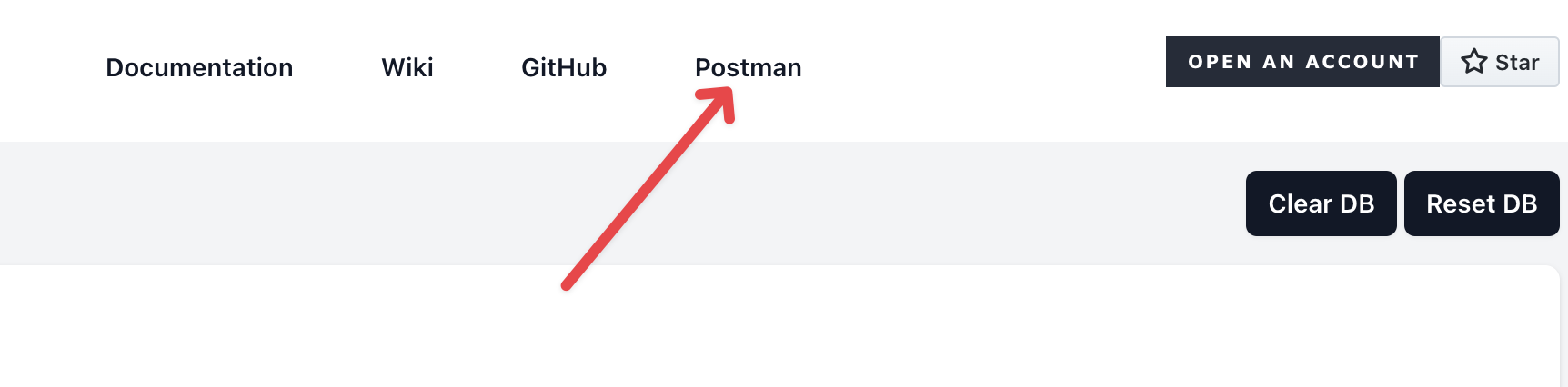
Opening Postman
Once you have the collection open in Postman, you will need to select the environment. This will fast track the setup of the variables used throughout the collections.
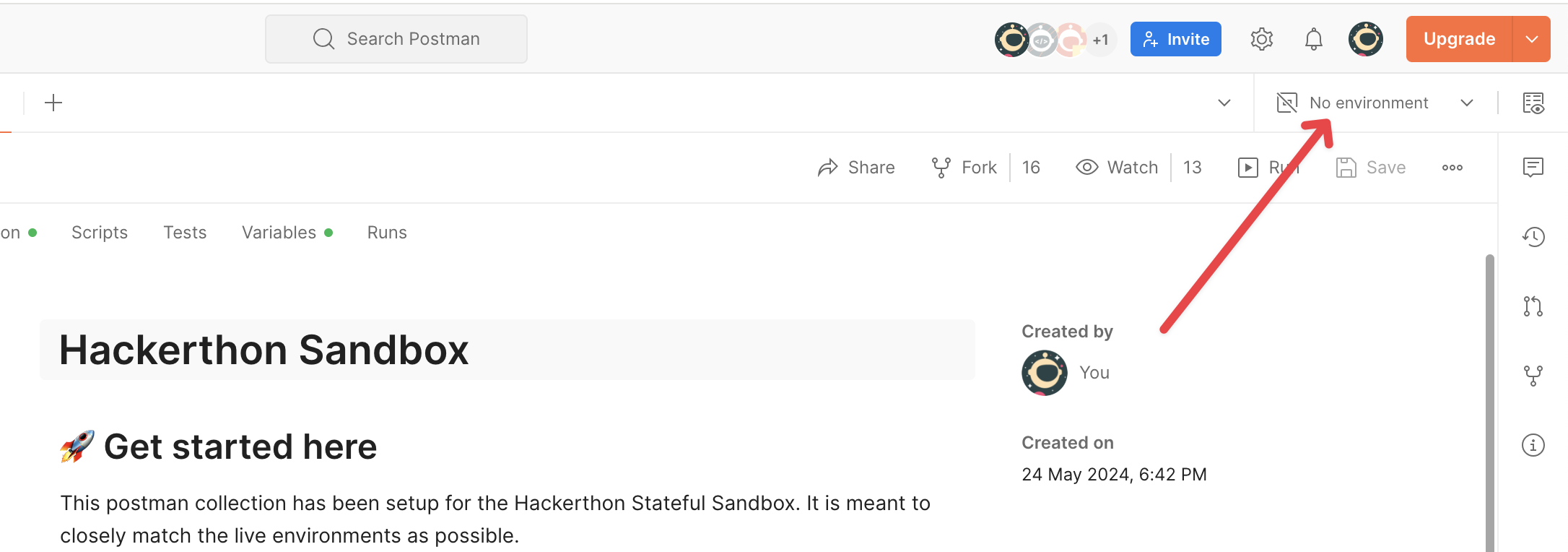
Select Env
Select the Environment named Sim.
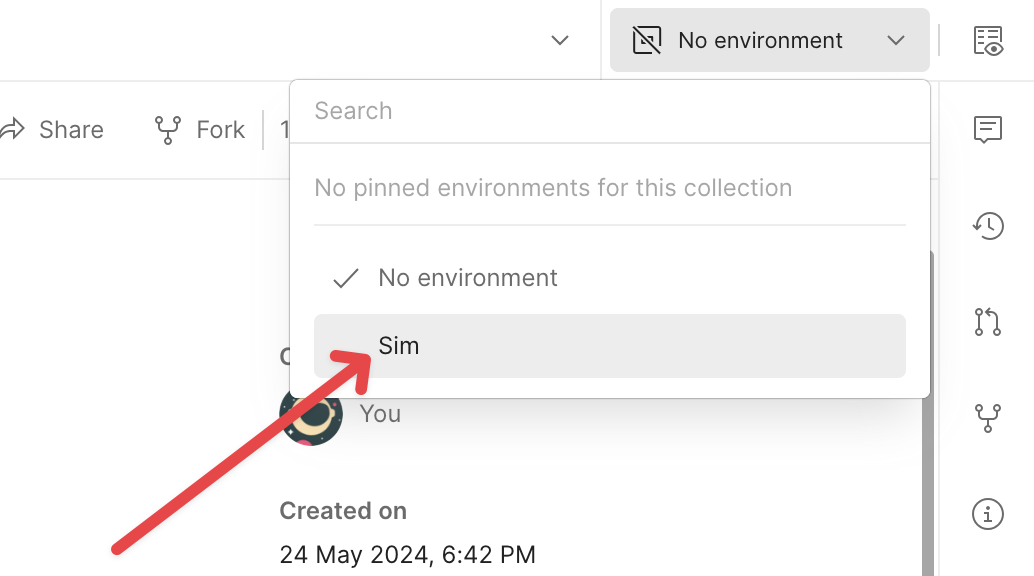
Navigate
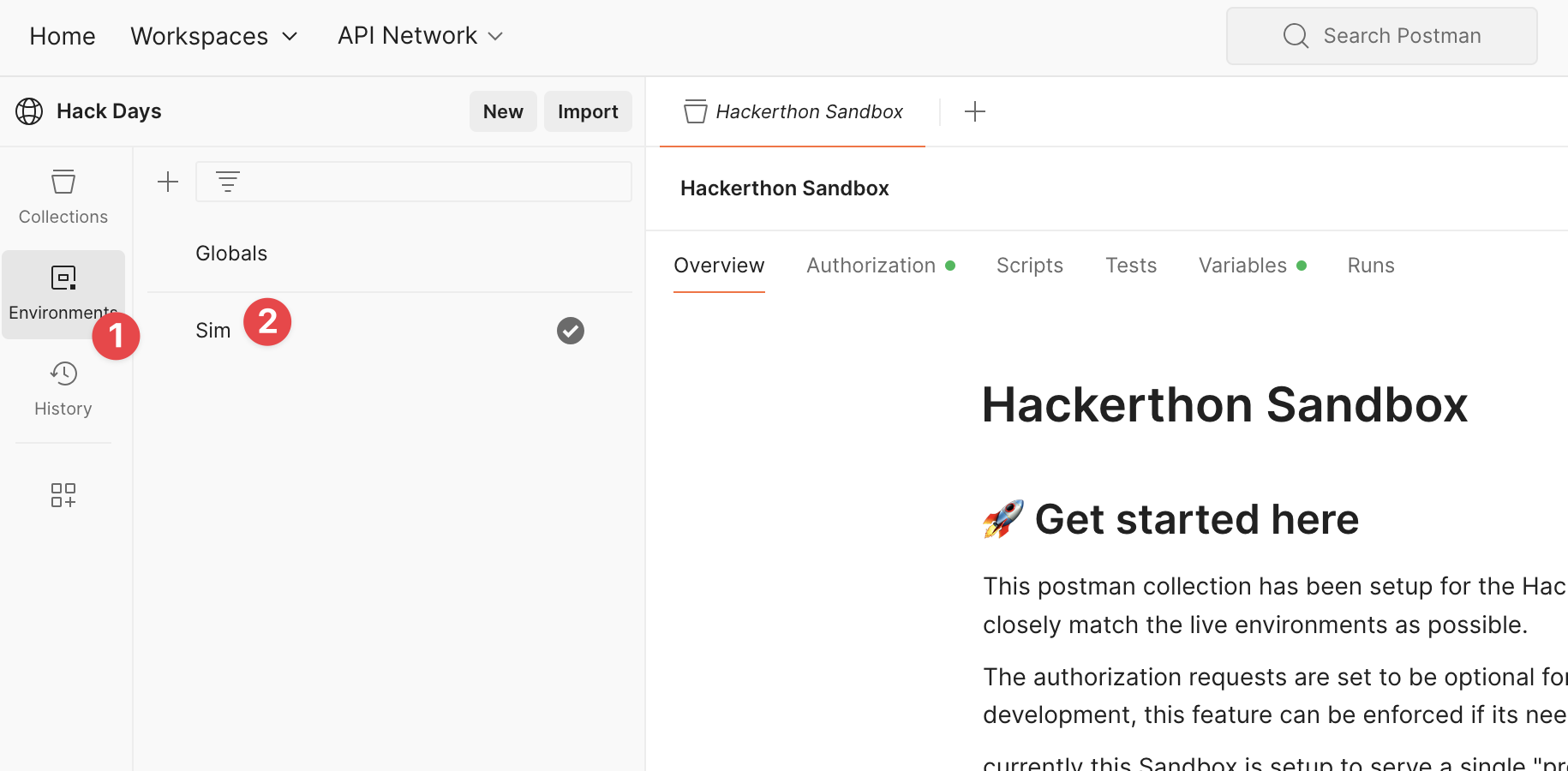
On the left hand vertical navigation menu, Select Environments. Then select The Sim Environment.
Configure Environment
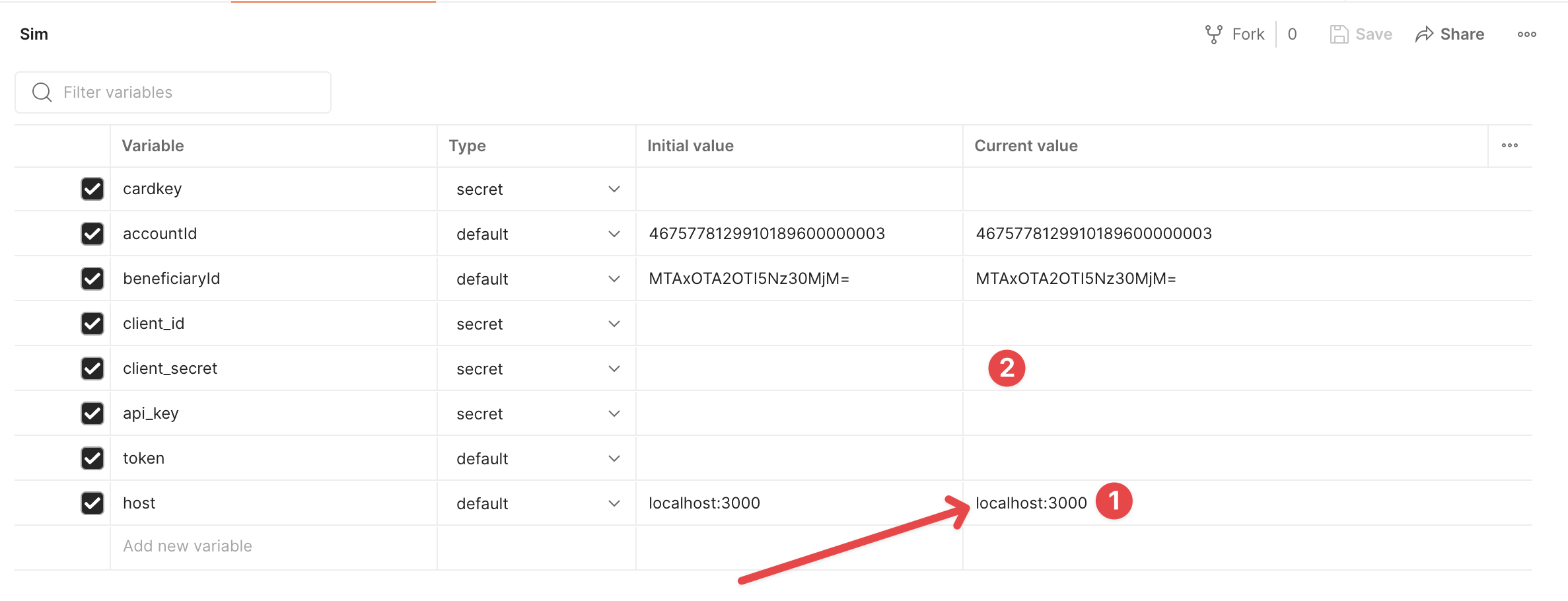
You should now see the variables updated with the correct values.
Get Accounts
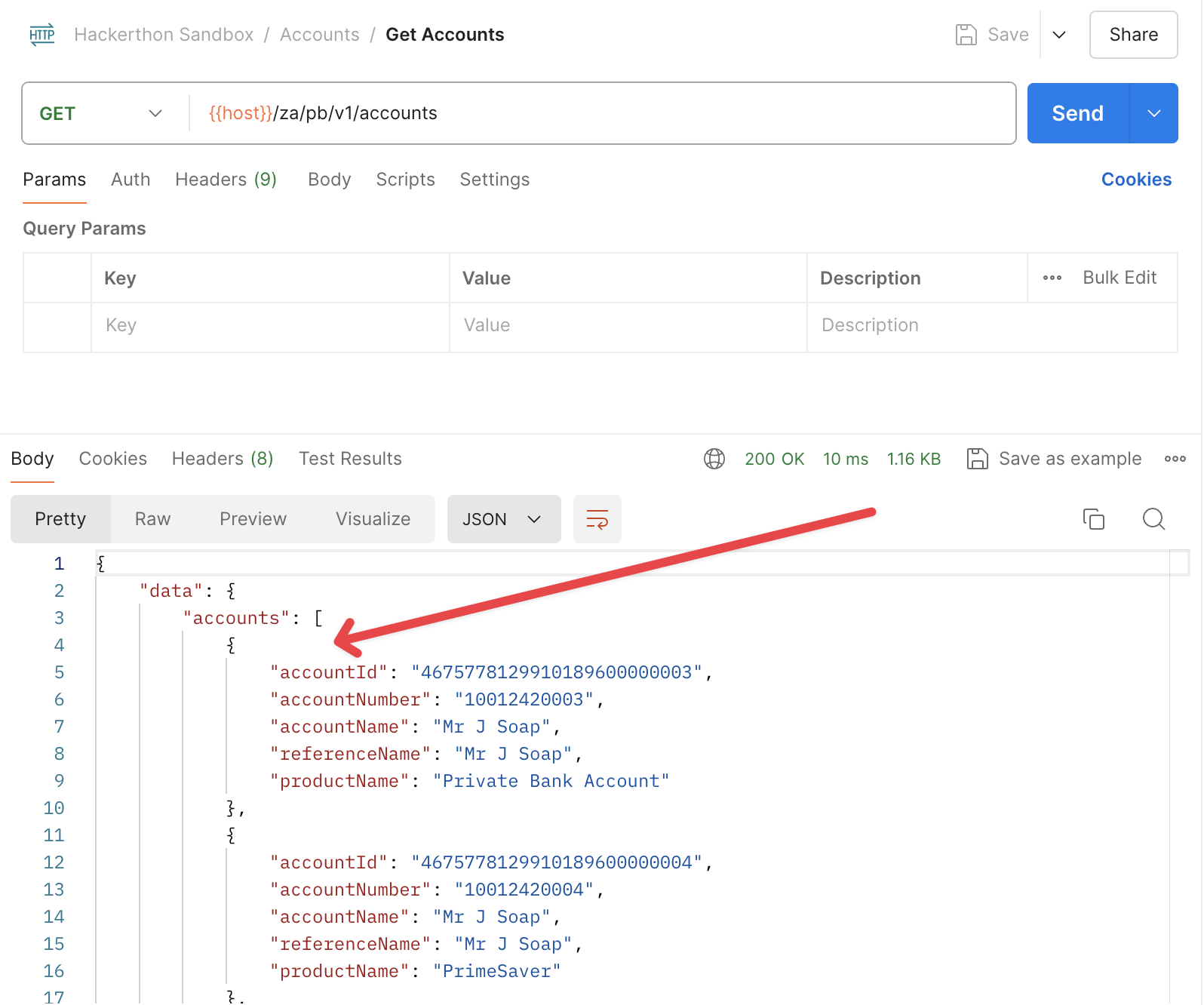
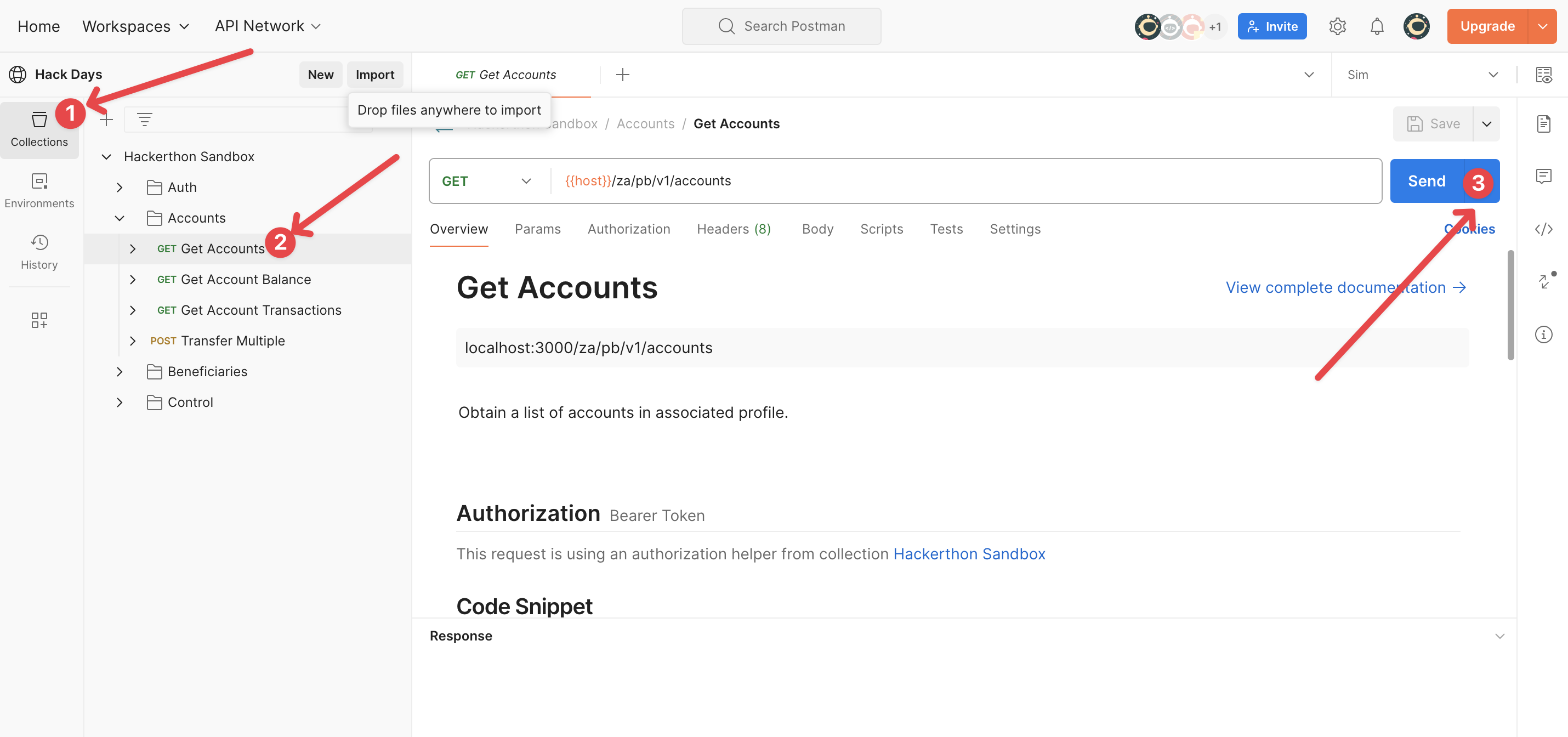
On the left hand vertical menu, select the collections option. Then click to open the Accounts folder, select the Get Accounts request. Lastly click send on the right hand side of the site.
Verify Results
If all is setup correctly you should see accounts in your response.